
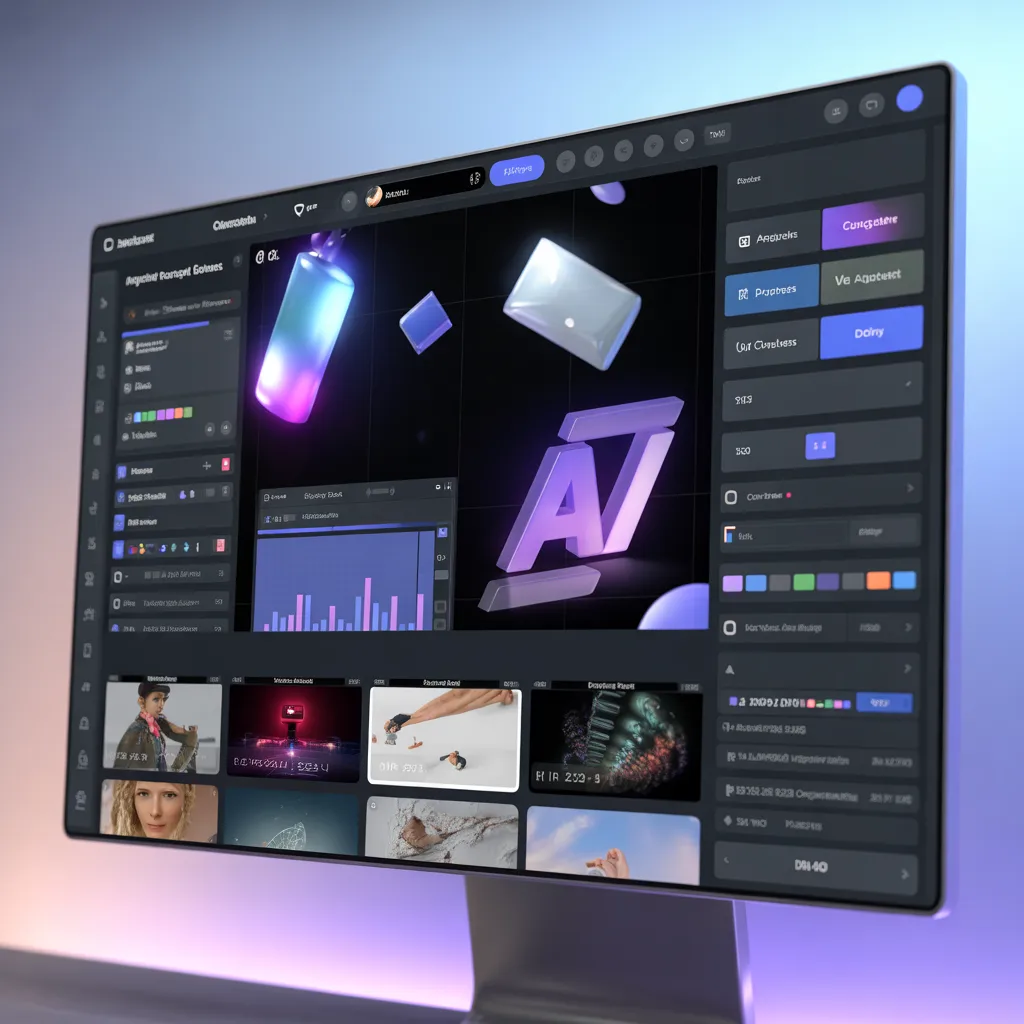
Being a motion graphics video maker is not an exclusive domain of big production houses anymore. Nowadays, even startups and individuals can leverage motion graphics to explain anything complicated within 90 seconds or less. Contrary to static visuals, motion graphics combine aspects of graphic design, typography and timing to draw the viewers’ attention. In the era where scrolling through content on websites is quick and inevitable, motion becomes the factor that will either have you overlooked or remembered forever. An effective workflow enables creation of top-notch projects without a huge budget for Hollywood movies.
Role of Visual Rhythm in Motion Graphics
Motion graphics exist due to the brain’s predisposition to motion. An excellent motion graphic designer works in terms of beats and not simply frames. Rhythms are created through transitions, easing and pacing, similar to how a drummer creates rhythm. When too fast, the viewer feels disoriented. If too slow, they may swipe out. However, there exists an optimal point between these extremes, achieved by aligning the visual rhythm with the emotion behind the script. Scale changes can highlight numerical data, while smooth camera motions can progress the story.
How to Pick Tools Without Feeling Intimidated
Novices frequently wonder whether they should get started on After Effects, go all in on Blender, or opt for an online motion graphics video creator. Truth be told, always go where you know you can complete your task. With browser-based solutions, you get everything from drag-and-drop assets, predefined transitions and timeline alignment capabilities so that you can ship your work right away. Desktop solutions offer you custom expressions, 3D layers and plugin systems for that additional 10% of power. In any case, what really counts is reducing friction from idea to production.
Storyboarding: The Planning Step That No One Can Afford To Miss
Jumping straight into keyframes is the fastest way to waste a week. A motion graphics video maker who plans well will thumbnail the story first. Six to eight panels can map the entire arc: hook, problem, solution, proof, call-to-action. Each panel answers one question: what changes on screen and why? This step exposes weak moments before you’ve invested in animation. Teams that storyboard also collaborate better, because clients approve ideas, not hours of rendered pixels. If you’re using a platform like ExplainCraft, you can upload your boards and time them to a voiceover before animating.
The Power of Sound Design and Voiceover
Great visuals with bad audio feel cheap. A motion graphics video maker should treat sound as a design layer. Whooshes, taps and subtle room tone tell the brain that objects have weight. Music sets emotional context in the first two seconds. And a clear voiceover gives structure, so the animation can focus on showing, not telling. Record VO first, then animate to it. That way your cuts land on natural pauses and your text reveals match spoken emphasis. Most modern platforms let you auto-sync captions too, which boosts retention on mute.
Typography and Color Systems That Scale
Motion means things move, but your brand shouldn’t wobble. Set a type scale, a 60-30-10 color rule and a grid before you animate a single word. A disciplined motion graphics video maker reuses lower-thirds, icon styles, and transition patterns across videos. This builds a visual language audiences recognize instantly. If you’re working with a team, save these as presets. Online suites often have brand kits where you lock fonts, palettes, and logo animations. Consistency compounds — the fifth video looks like it cost 5x more because it builds on the first four.
Animation Principles That Never Go Out of Style
Squash and stretch, anticipation, follow-through — these aren’t just for Disney. When a chart bar overshoots then settles, it feels physical. When an icon pauses before moving, it feels intentional. A motion graphics video maker who masters easing curves can make even corporate data feel alive. Learn graph editors early. Linear motion looks robotic; bezier curves feel human. Add secondary motion, like a subtle drift on background shapes and your scene gains depth without extra assets.
Streamlining Workflow With Smart Asset Libraries
Time kills creativity. Build a library of reusable assets: animated arrows, HUD elements, transitions and logo reveals. Tag them by mood and duration so you can drag in a 2-second “tech” transition instead of building one from scratch. Cloud-based tools shine here because your team can share libraries instantly. If you’re producing a series, this approach turns a 3-day project into a 3-hour one. For agencies, that’s the difference between profit and burnout.
Explainer Videos vs. Ads vs. Social Snippets
A good motion graphics video maker thinks in aspect ratios. That 16:9 explainer can be reframed to 1:1 for LinkedIn and 9:16 for Reels without reanimating everything. Design with safe zones, keep key info centered and use responsive text boxes. Shorter cuts of 6-15 seconds work for ads, while 60-90 seconds suit landing pages. Repurposing multiplies ROI and keeps your visual identity tight across channels. Platforms like ExplainCraft offer one-click resizes that respect your keyframes.
Measuring Impact Beyond Views
Views are vanity if nobody acts. Embed your videos with UTM parameters, track play rate, average watch time and drop-off points. If 70% of viewers leave at second 12, your hook needs work. A seasoned motion graphics video maker iterates based on data, not ego. A/B test two intros: one with bold text, one with character animation. The numbers will tell you what your audience prefers. Over time, you’ll develop a playbook that’s specific to your niche.
Common Mistakes That Kill Momentum
Three mistakes show up in almost every beginner reel: over-animating, ignoring silence and neglecting contrast. If everything moves, nothing stands out. Use stillness to create focus. Second, sound gaps are powerful — they reset attention before a key point. Third, low contrast text on busy backgrounds ruins mobile viewing. A motion graphics video maker should preview on a phone before final export. Fixing these early elevates your work instantly.
Building a Portfolio That Gets Clients
Clients hire problem solvers. Break down a project: brief, boards, style frames and final cut. Explain why you chose a kinetic type moment over a character scene. This transparency builds trust and positions you as a strategist, not just an animator. Host case studies on your site, embed them in proposals, and keep them under 2 minutes. Quality beats quantity — four strong breakdowns beat twenty unlabeled renders.
A New Era for Interactivity and Real-time
It is becoming increasingly difficult to distinguish between games and websites and between interactive videos and experiences. An interactive video designer is now able to develop videos that can react to any number of inputs, from user interaction through to numerical information received by live streams. There is no need to program anything; all of the logic can be developed via drag-and-drop blocks of code.
Raising Thoughts Into Action
With each frame comes an opportunity to gain attention and that is where the motion graphics video maker comes into the equation. Start with a story, follow the beat and make sure your tools do not get in the way of your concept. From a complex software suite all the way down to a lightweight web application, your purpose remains the same — simplify. Eventually, it won’t even feel like work.